Introduction:
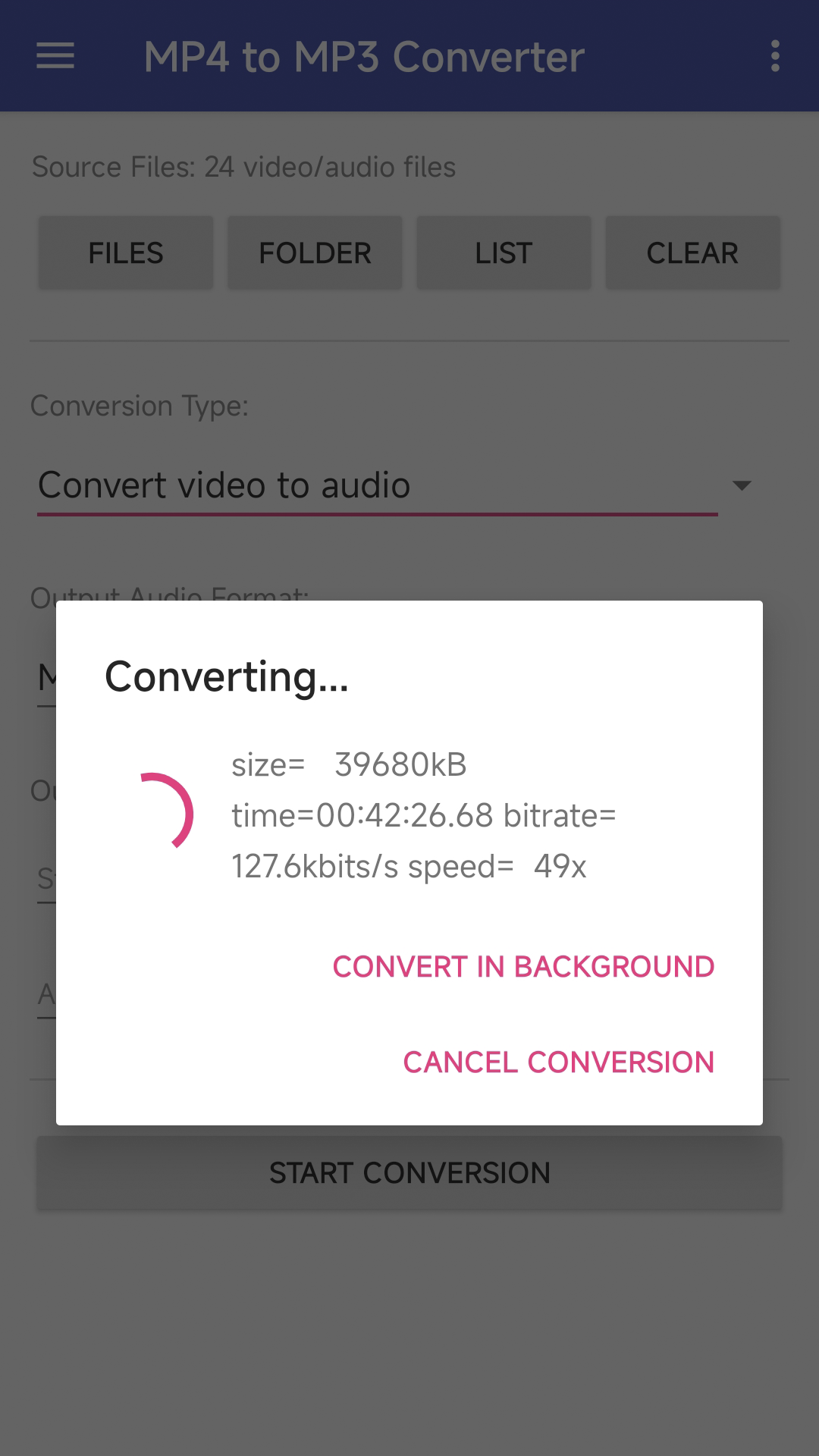
MP4 to MP3 Converter is an easy-to-use Android app designed to convert video files to audio or extract audio tracks from videos at high speeds.
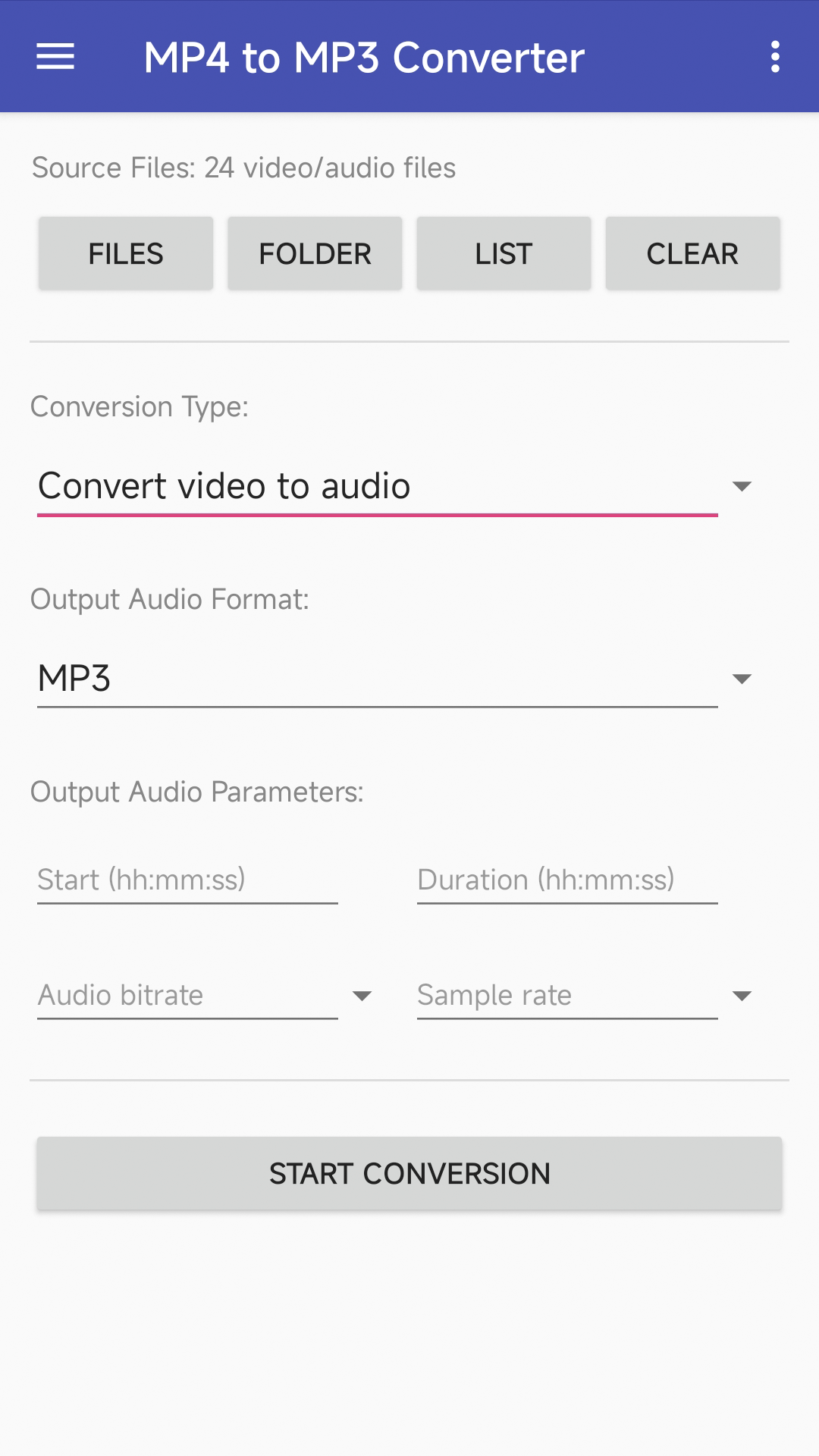
MP4 to MP3 Converter can convert video files such as MP4, MOV, WEBM, AVI, MKV, WMV, or M2TS to audio files such as MP3, OGG, AAC, WAV, or M4A. For example: MP4 to MP3, MP4 to AAC, MOV to MP3, or MKV to MP3. The settings include start position, duration, audio bitrate, and sample rate.
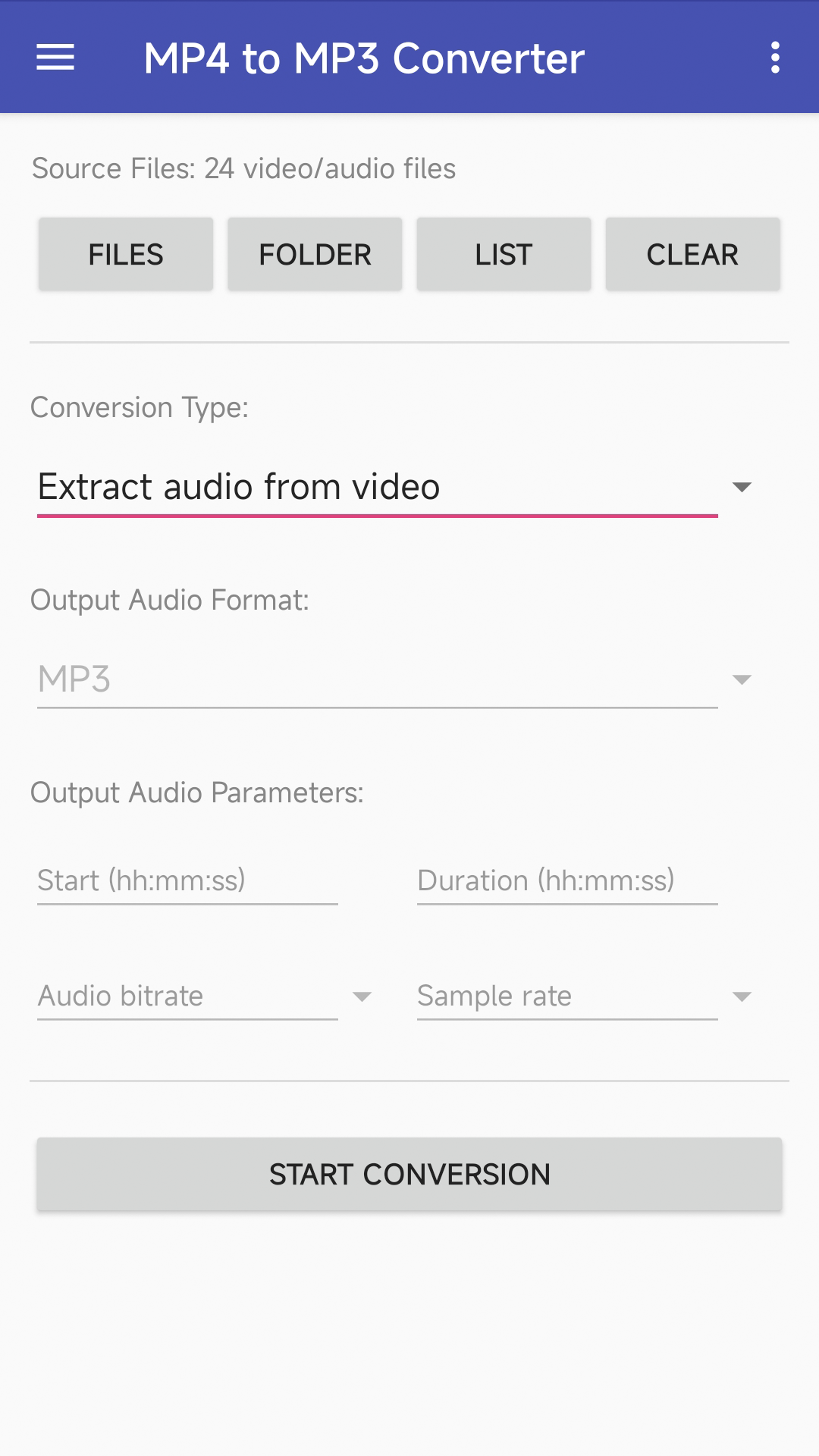
MP4 to MP3 Converter also allows you to extract audio tracks directly from videos (e.g., extracting M4A from MP4, MKA from MKV, or OGG from WEBM). Because the app performs a direct extraction without re-encoding or decoding, the output audio quality remains identical to the source, and the process is incredibly fast. You can extract audio from a 2 GB video file in just a few seconds, making it an ideal solution for large video files.
Additionally, we provide a free online MP4 to MP3 conversion service that does not occupy your phone CPU.
If you encounter issues while using MP4 to MP3 Converter, please refer to the FAQ.
Download:
Get from Google Play Download APK (mp42mp3.apk)
What's New:
- Upgraded encoders and decoders to the latest versions.
- Online audio extractor is available now.
- Use MediaCodec for some conversions. MediaCodec is part of the Android low-level multimedia support infrastructure.
- Audio extractor supports more formats. For example: extract OPUS from WEBM, extract MKA from MKV, or extract WMA from WMV.
- Added new conversion type: Remove audio from video (mute).
- Copy output files and paste them to a chosen folder.
- Fixed ANR (Application Not Responding) problems when converting large files.
- Show media information such as duration, metadata, bitrate, or frame rate (Tap the "List" button, find the media file you want to get detailed information, PULL IT TO THE LEFT, then tap on the "information" icon on the right).
- Fully supports Scoped Storage, no file read and write permissions need to be granted on Android 11 or newer. No actual file address will be used in conversion.
Features:
- The app is 100% free to download, install, and use. No extra fee.
- Only need a couple of taps to finish your audio file conversion.
- Supports vast video formats such as MP4, AVI, MPEG, MKV, WMV, M2TS, MOV, or M4V.
- Supports vast audio formats such as WAV, WMA, MP3, OGG, AAC, AU, FLAC, M4A, MKA, AIFF, or RA.
- Supports vast conversions such as MP4 to MP3, MOV to MP3, or MKV to MP3.
- Extract audio from video without conversion, decoding, or encoding.
- Files can be converted on your phone offline or on cloud servers online.
- Audio options include start/end position, audio bitrate, and audio sample rate.
Screenshots: