Apps > Media Converter 1.3
Convert video, audio, and images files from one format to another offline.Introduction:
After developing the Video Converter, Audio Converter, and Image Converter apps, we are finally capable of developing a universal converter that supports all media files in MediaStore. (MediaStore is the media provider in Android that provides an indexed collection of common media types, such as Audio, Video, and Images, from any attached storage devices.)
Media Converter is an all-in-one app for Android to convert all kinds of video, audio, and image files from one format to another. For example: WEBM to MP4, MKV to MP4, MOV to MP4, OGG to MP3, MP3 to AAC, WEBP to JPG, or HEIC to JPG.
Media Converter supports conversions across different file types. For example: video to audio (such as MP4 to MP3), image to video (such as JPG to MP4), or video to image (such as MP4 to GIF).
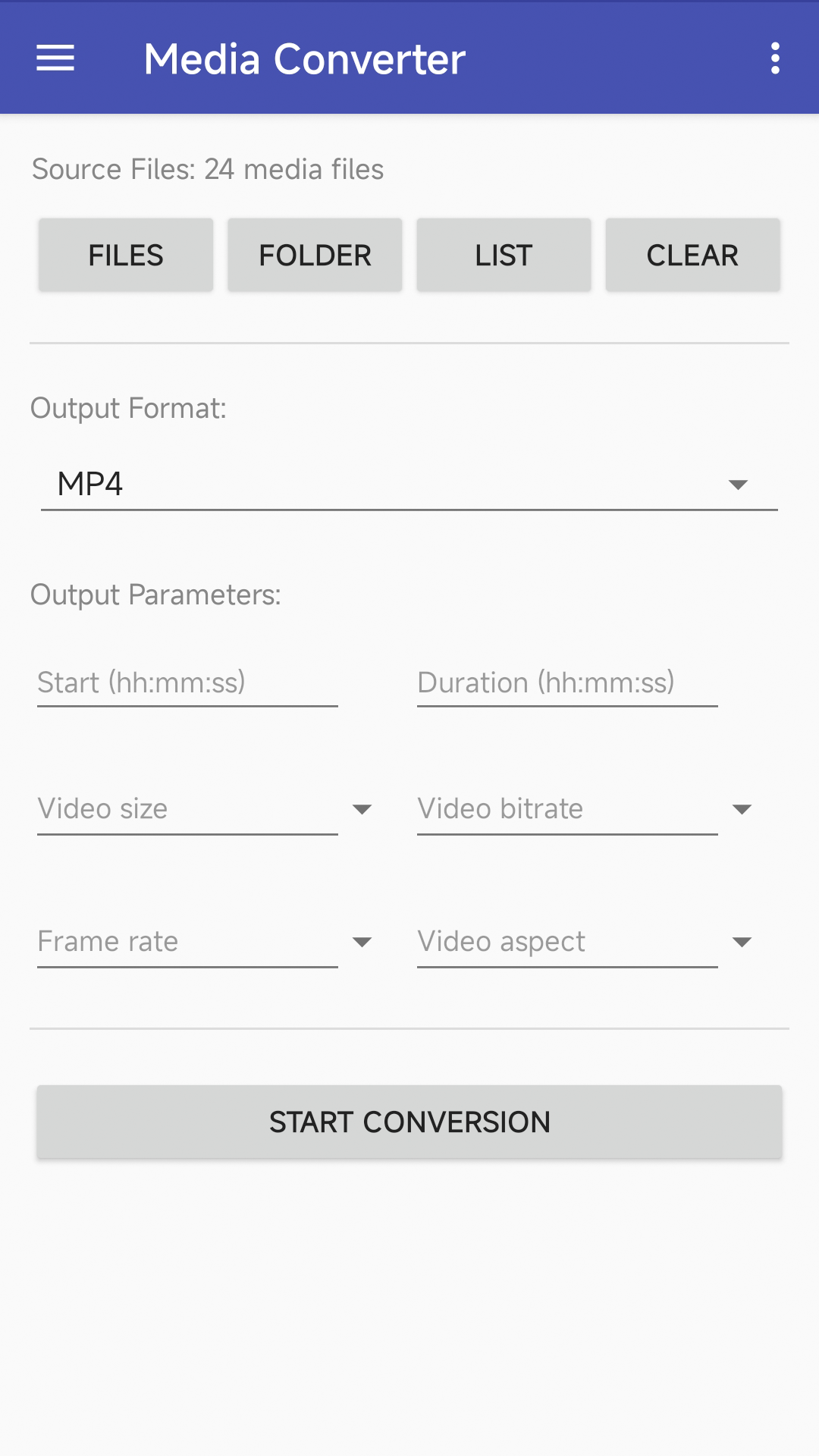
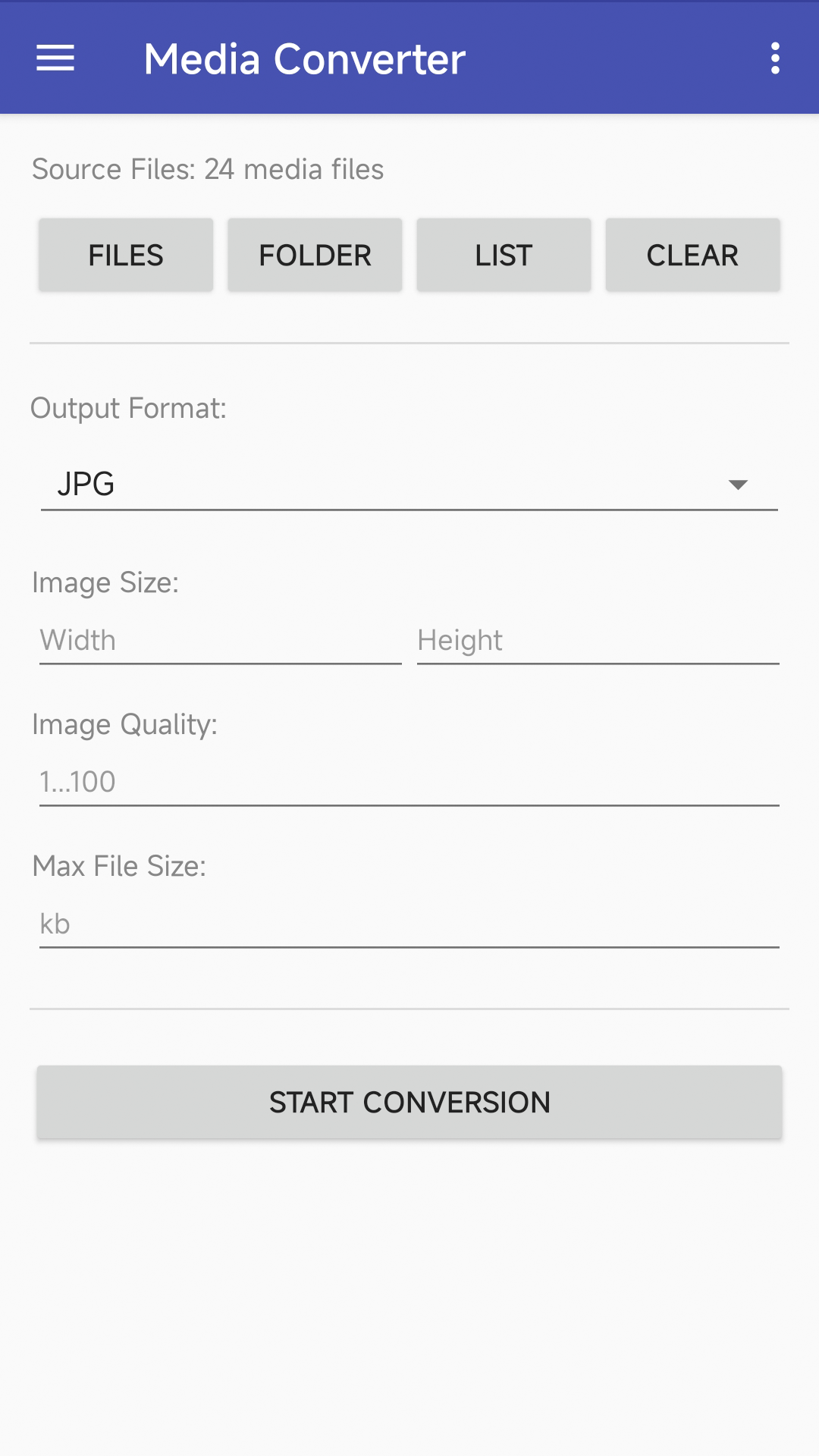
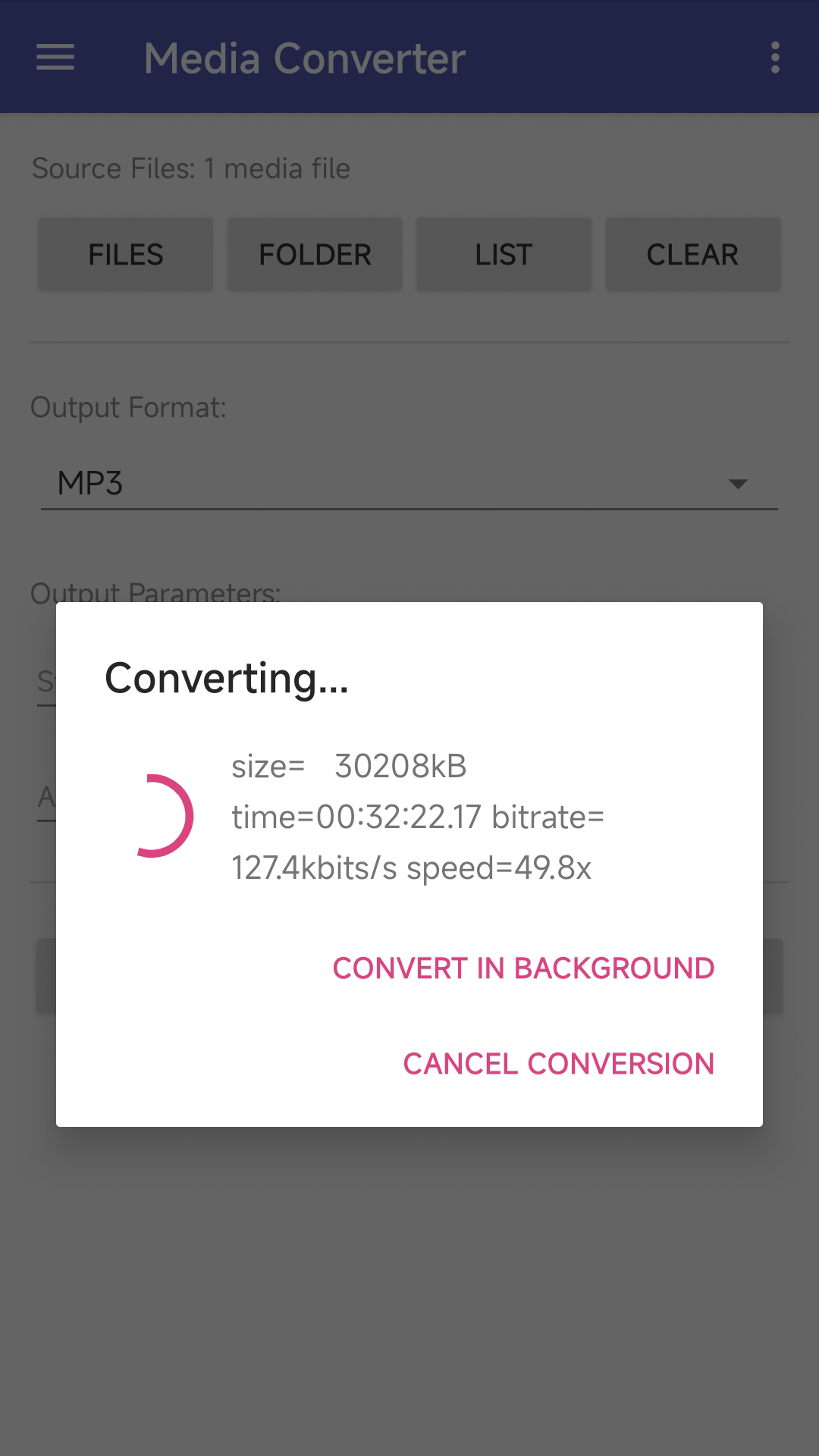
Media Converter takes three simple steps to finish media conversion. First, choose multiple media files or choose a folder to add all media files in it, then choose a target media format and set conversion options. Options change when choosing a target format. For example: options include video size, bitrate, frame rate, and aspect if the target is a video format; options include audio bitrate and sample rate if the target format is an audio format. Finally, tap the "Start Conversion" button to start the conversion. The conversion may take a few seconds to hours depending on the file type, file size, and CPU performance of your phone.
Additionally, we provide free online video, audio, and image conversion services that do not occupy your phone's CPU.
If you encounter issues while using Media Converter, please refer to the FAQ.
Download:
Get from Google Play Download APK (mediaconverter.apk)
What's New:
- Upgraded encoders and decoders to the latest versions.
- Use MediaCodec for some video and audio conversions. MediaCodec is part of the Android low-level multimedia support infrastructure.
- Convert video to very high quality GIF.
- Many minor improvements and bug fixes.
Features:
- The app is 100% free to download, install, and use. No extra fee.
- Only need a couple of taps to finish your media file conversion.
- Supports vast video formats such as MP4, AVI, MPEG, MKV, WMV, M2TS, or MOV.
- Supports vast audio formats such as WAV, WMA, MP3, OGG, AAC, M4A, or MKA.
- Supports vast image formats such as JPG, PNG, GIF, WEBP, HEIC, or AVIF.
- Video options include video size, bitrate, frame rate, and video aspect.
Screenshots: