Introduction:
Video Converter is an easy-to-use app for Android to convert video MP4, MOV, WEBM, AVI, MKV, WMV, M2TS, ASF, or GIF file offline.
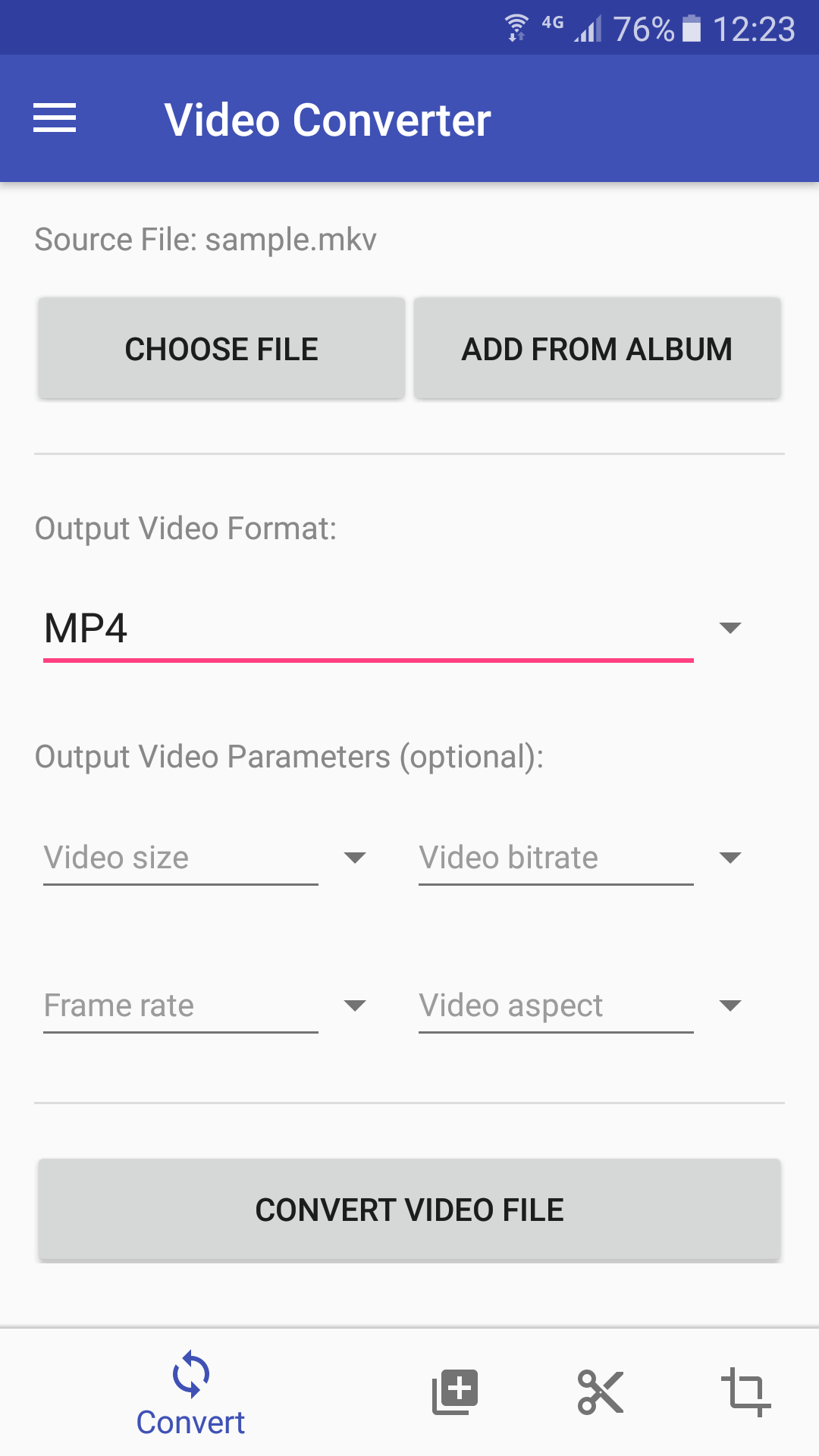
Video conversion takes just three simple steps. First, choose multiple video files or choose a folder to add all the video files within it. Next, set options and choose a target format. Available options include video size, bitrate, frame rate, and aspect ratio. Finally, tap the "Convert video files" button to start the conversion. The conversion may take a few minutes to hours depending on the video file size and CPU performance of your phone.
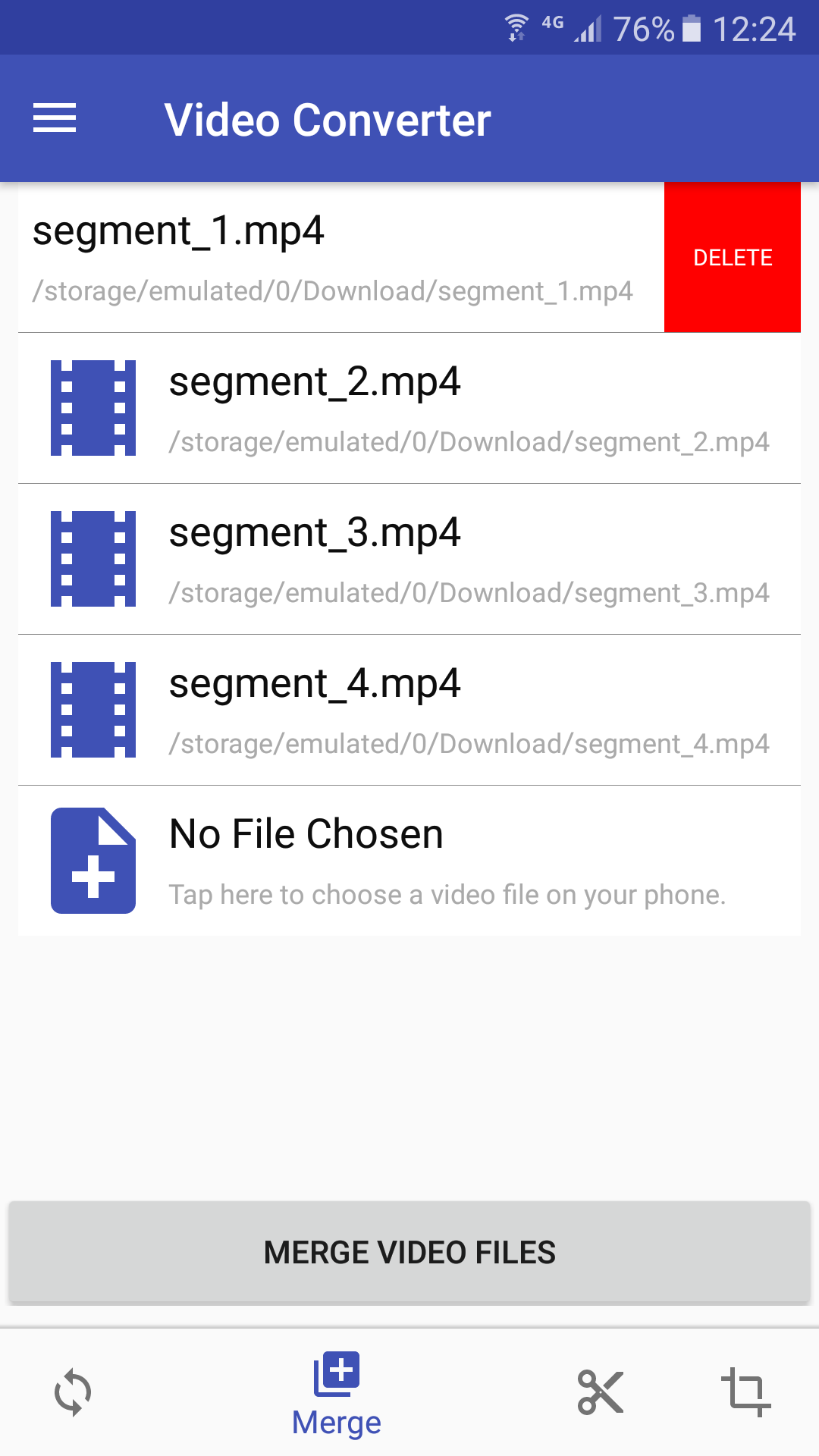
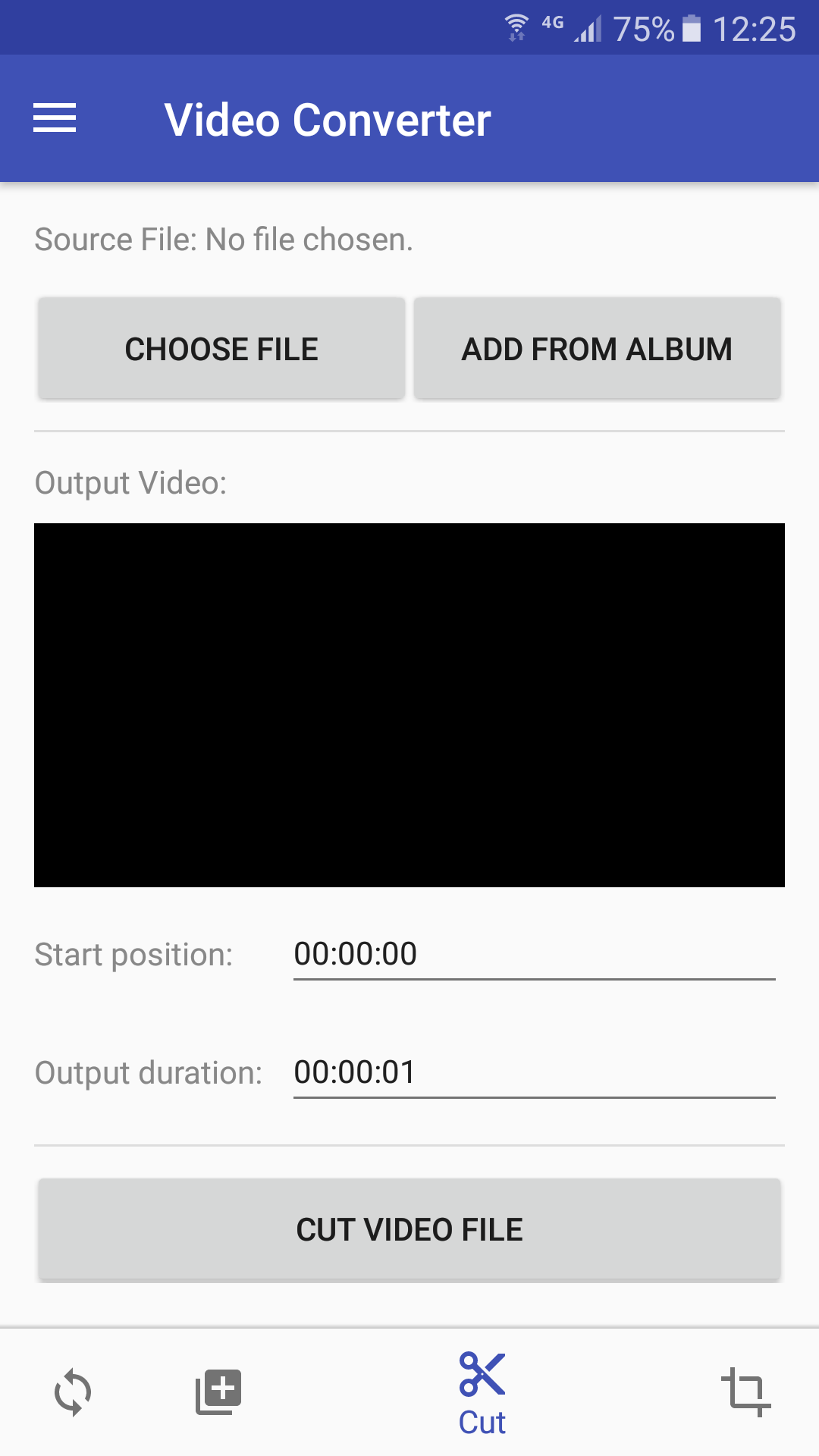
Besides converting video format from one to another, you can also use this app to trim specific parts from a video file or merge multiple video files into one single video file.
Additionally, we provide a free online video conversion service that does not occupy your phone CPU.
If you encounter issues while using Video Converter, please refer to the FAQ.
Download:
Get from Google Play Download APK (videoconverter.apk)
What's New:
- Major video codec upgrades, supports newest video formats such as QSV AV1.
- Fixed ANR (Application Not Responding) problems when converting very large files.
- Show media information such as duration, metadata, bitrate, or frame rate (Tap the "List" button, find the media file you want to get detailed information, PULL IT TO THE LEFT, then tap on the "information" icon on the right).
- Fully supports Scoped Storage, no file read and write permissions need to be granted on Android 11 or newer. No actual file address will be used in conversion.
- Increased conversion speed by up to 500%.
- Convert multiple files simultaneously in multithreading.
- Added more codecs to support more video and audio formats, including newest H.265 or HEVC.
- Added support for Scoped Storage.
- Fixed bugs which may cause application not responding.
- Added support for batch conversion. You can choose multiple files or choose a folder to add all video and audio files in it.
- Improved conversion speed, however the conversion is still slow.
- Allows to cancel conversion.
- Use default file chooser on Android instead of built-in file chooser.
- Fixed fatal bugs which may cause app crashes.
- Added support for WEBM format.
- Remove x86 phone support to reduce half app file size.
- Able to choose files from external SD card.
- Show failure reasons when conversion failed.
- Added settings to set output folder, filename suffix, etc.
- List all output video files.
- Merge multiple video files into one single video file.
- Cut the needed part from a video file.
- Crop selected region from a video file.
Features:
- The app is 100% free to download, install, and use. No extra fee.
- Only need a couple of taps to finish your video file conversion.
- Supports vast video formats such as MP4, AVI, MPEG, MKV, WMV, M2TS, MOV, or M4V.
- Video file can be converted on your phone offline or online.
- Video options include video size, bitrate, frame rate, and video aspect.
Screenshots: