Apps > Word to PDF Converter 3.3
An easy-to-use app to convert Word to PDF or convert PDF to Word online.Introduction:
Word to PDF Converter is an easy-to-use app that lets you convert Word to PDF or PDF to Word on your Android device.
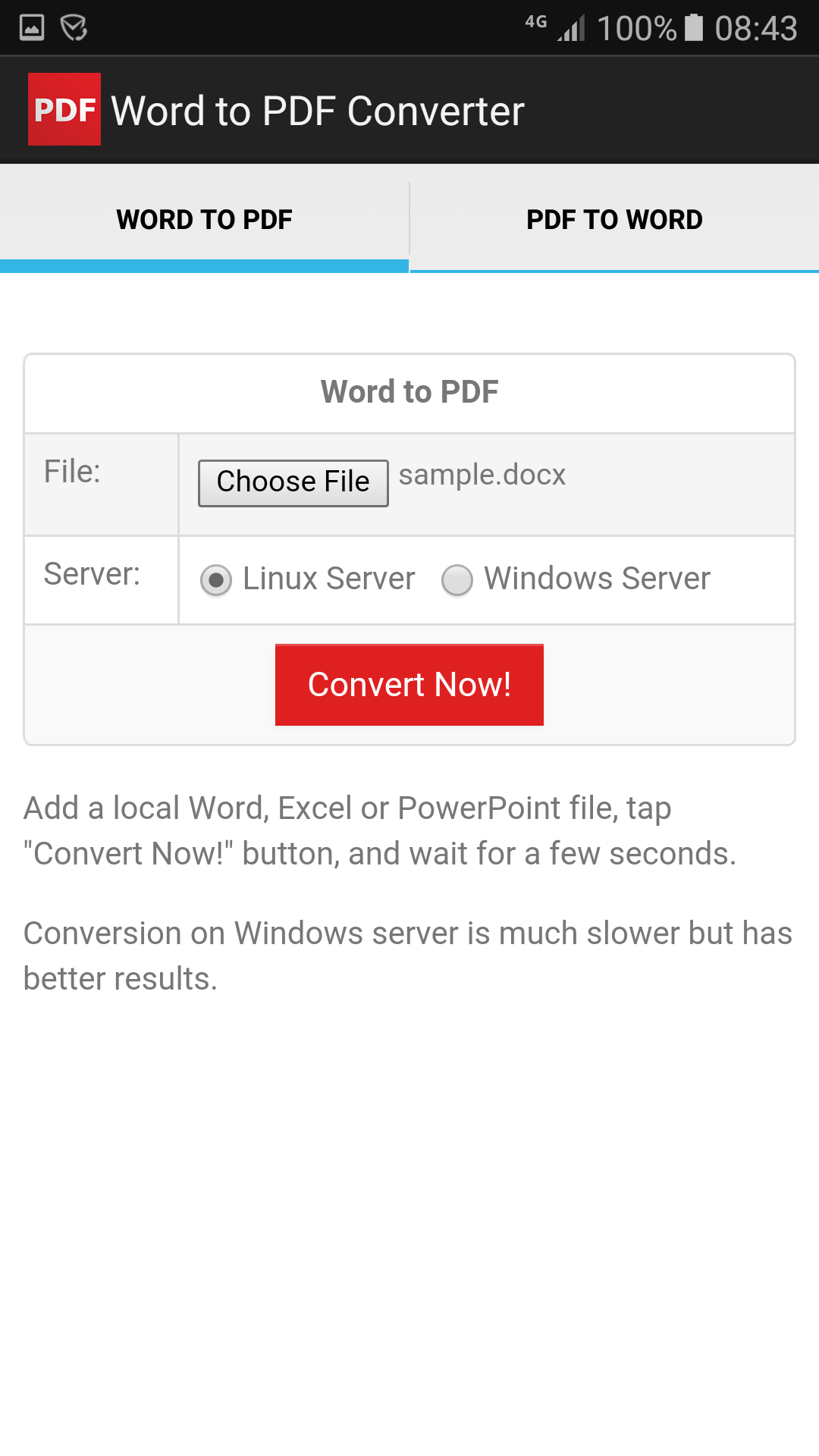
Simply choose a Word DOCX, DOC, or RTF file on your Android phone, choose either the Linux server or Windows server (each uses a different conversion engine), then tap the "Convert Now" button to upload your file to the cloud server. The server will return the output file for you to download once the conversion is complete.
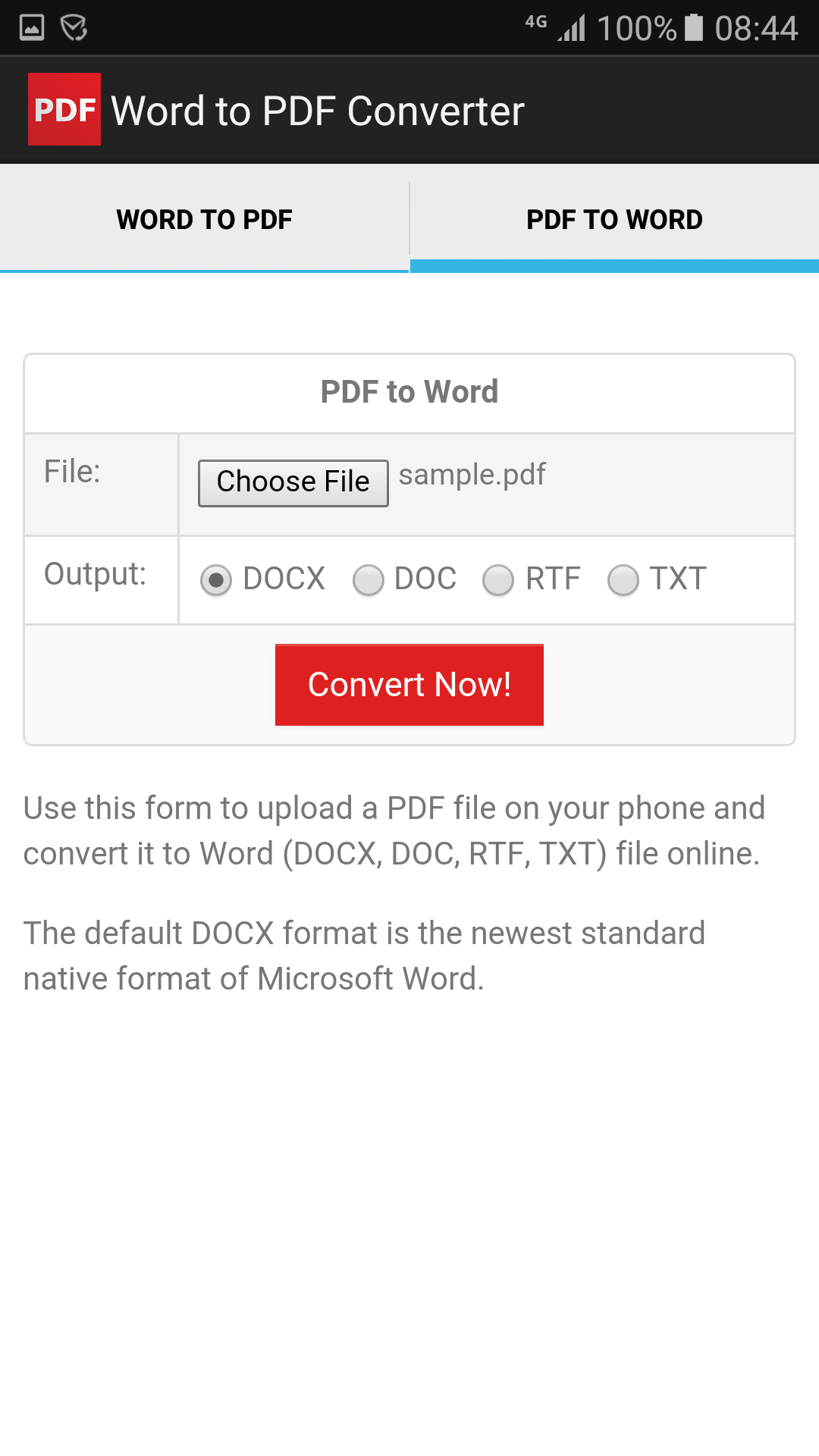
Additionally, Word to PDF Converter supports converting PDF documents back into editable Word documents.
Note: Word to PDF Converter works on Android 4.4 and later versions. It requires an internet connection to run.
If you encounter issues while using Word to PDF Converter, please refer to the help manual.
Download:
Get from Google Play Download APK (word2pdf.apk)
What's New:
- Fully supports Scoped Storage, no file read and write permissions need to be granted on Android 11 or newer.
- Added support for Scoped Storage on Android 10 or newer.
- Changed from HTTP (insecure connection) to HTTPS (secure connection).
- Fixed bugs that could cause the app to crash.
- Replaced a slow server.
- Improved conversion results on Linux servers.
- Reduced app file size by 10%.
- Added support for more document formats such as Apple Pages, Numbers, and Keynote.
- Many improvements to the OCR Converter.
- Added support for OCR. Convert scanned Word to searchable PDF or convert scanned PDF to editable Word.
- Added one more server and removed the conversion queue mode since there are enough servers now. Your file conversion will start immediately without waiting in queue.
- Added two more servers (one Linux server and one Windows server) to increase conversion speed.
- Major upgrade to PDF to Word conversion.
- View, delete, rename, or print output PDF files.
- Automatically tries another server if conversion fails in alternative converter.
- Deployed a brand new server and randomly choose a server as default server.
- Added alternative converter which uses different server, file chooser, uploader, and downloader. This should solve most conversion problems.
- New file chooser that highlights supported files.
- Fixed file selection bug on Android 4.4.
- Better conversion results on Windows servers.
- Added support for converting Excel and PowerPoint files.
- Prevented duplicate file conversions.
- Deployed a new Linux server to process conversions from the Android app.
- Deployed a new Windows server to process PDF to Word conversions.
Features:
- The app is 100% free to download, install, and use. No extra fee.
- Requires only a couple of taps to complete your file conversion.
- Able to convert Word to PDF and convert PDF back to Word file.
- All text, images, and links are preserved exactly as they appear in the original file.
- Files are converted on cloud servers instead of on your phone.
Screenshots: